
comet 浏览器保姆级安装指南(手把手教你)
comet浏览器安装时,遇到无法连接时
_1_小逸-AI-之路_来自小红书网页版.jpg)
1,下载安装文件, 我放在了I:盘根目录
_2_小逸-AI-之路_来自小红书网页版.jpg)
2,设置梯子的主端口为 :7890 ,(我的默认就是)
_3_小逸-AI-之路_来自小红书网页版.jpg)
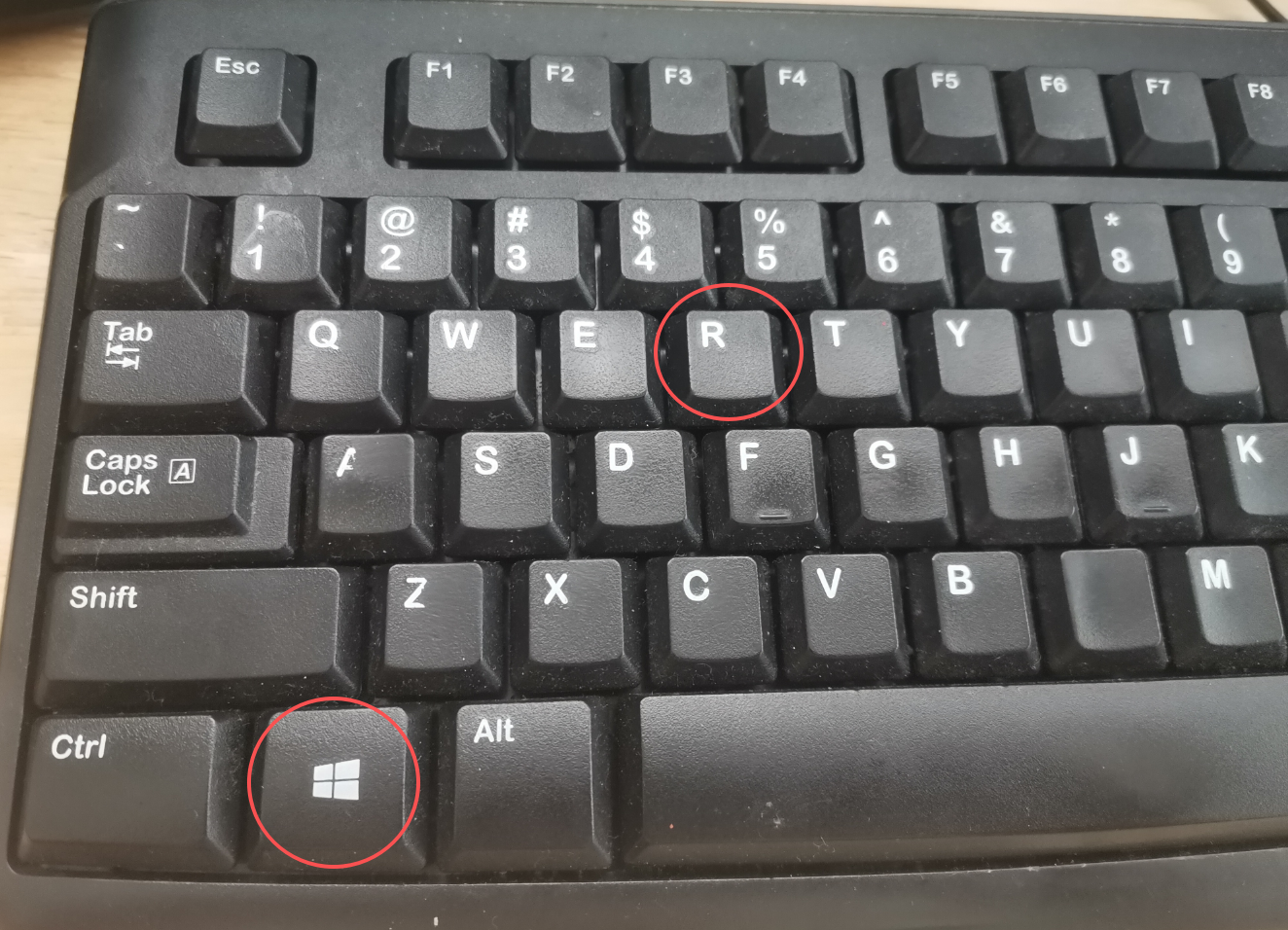
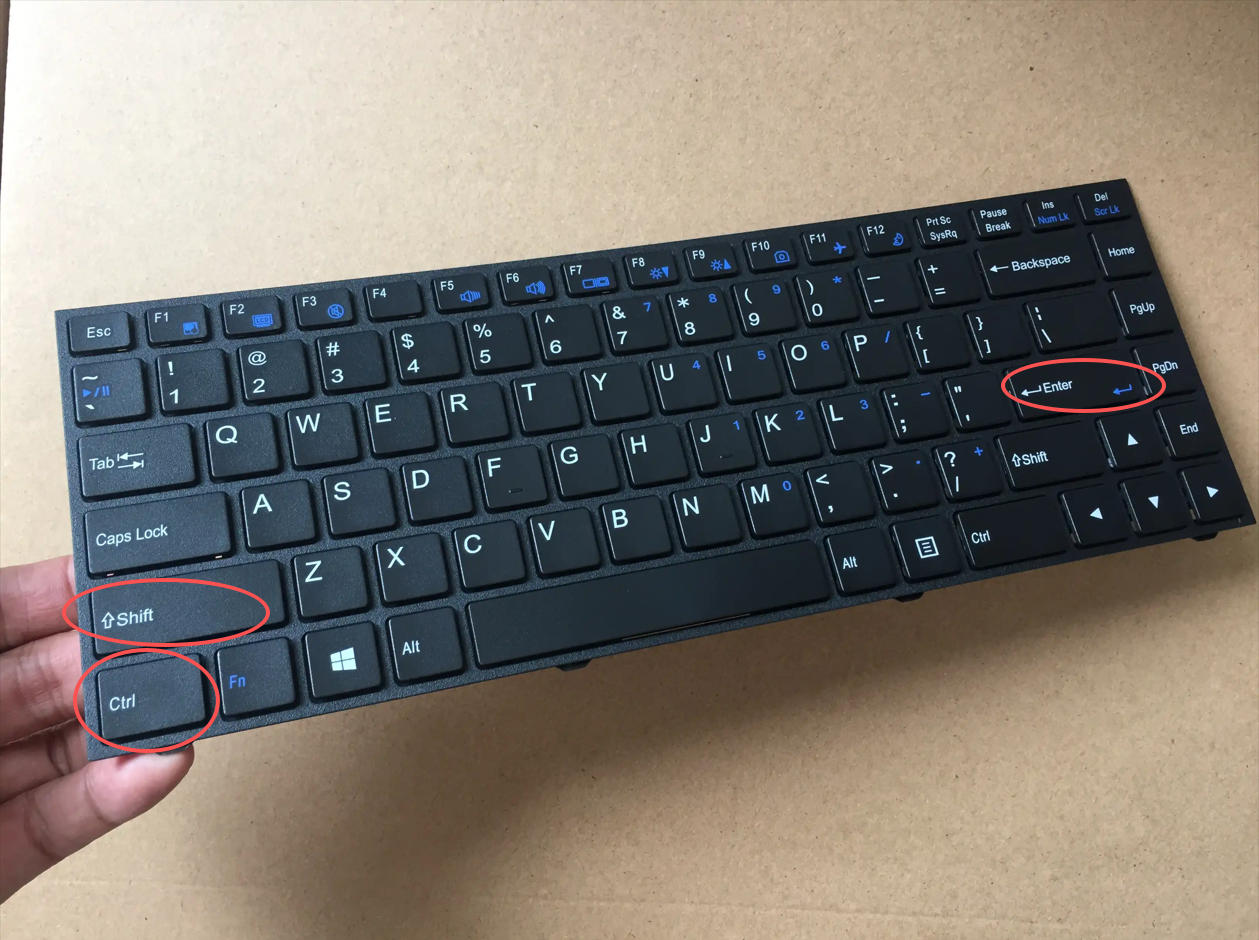
3,win+R,打开运行,键入cmd,不要回车,同时按ctrl+shift+Enter
_4_小逸-AI-之路_来自小红书网页版.jpg)
4,切换到安装目录,输入以下命令行:
_6_小逸-AI-之路_来自小红书网页版.jpg)
_7_小逸-AI-之路_来自小红书网页版.jpg)
set http_proxy=http://127.0.0.1:7890 && set https_proxy=http://127.0.0.1:7890 && comet_installer_latest.exe
注意空格(英文状态的):我把空格标出来,其实直接复制上面的, 应该没问题:
【set空格http_proxy=http://127.0.0.1:7890空格&&空格set空格https_proxy=http://127.0.0.1:7890空格&&空格comet_installer_latest.exe 】
5,Two thousand years later,安装成功(图八)
_8_小逸-AI-之路_来自小红书网页版.jpg)
© 版权声明
文章版权归作者所有,未经允许请勿转载。
相关文章


暂无评论...